About this product
The problem with free n8n workflow dumps isn't that they're free. It's that there are 5,000 of them, half don't work, and finding the one you actually need takes longer than building from scratch. This bundle solves that.
What's actually inside
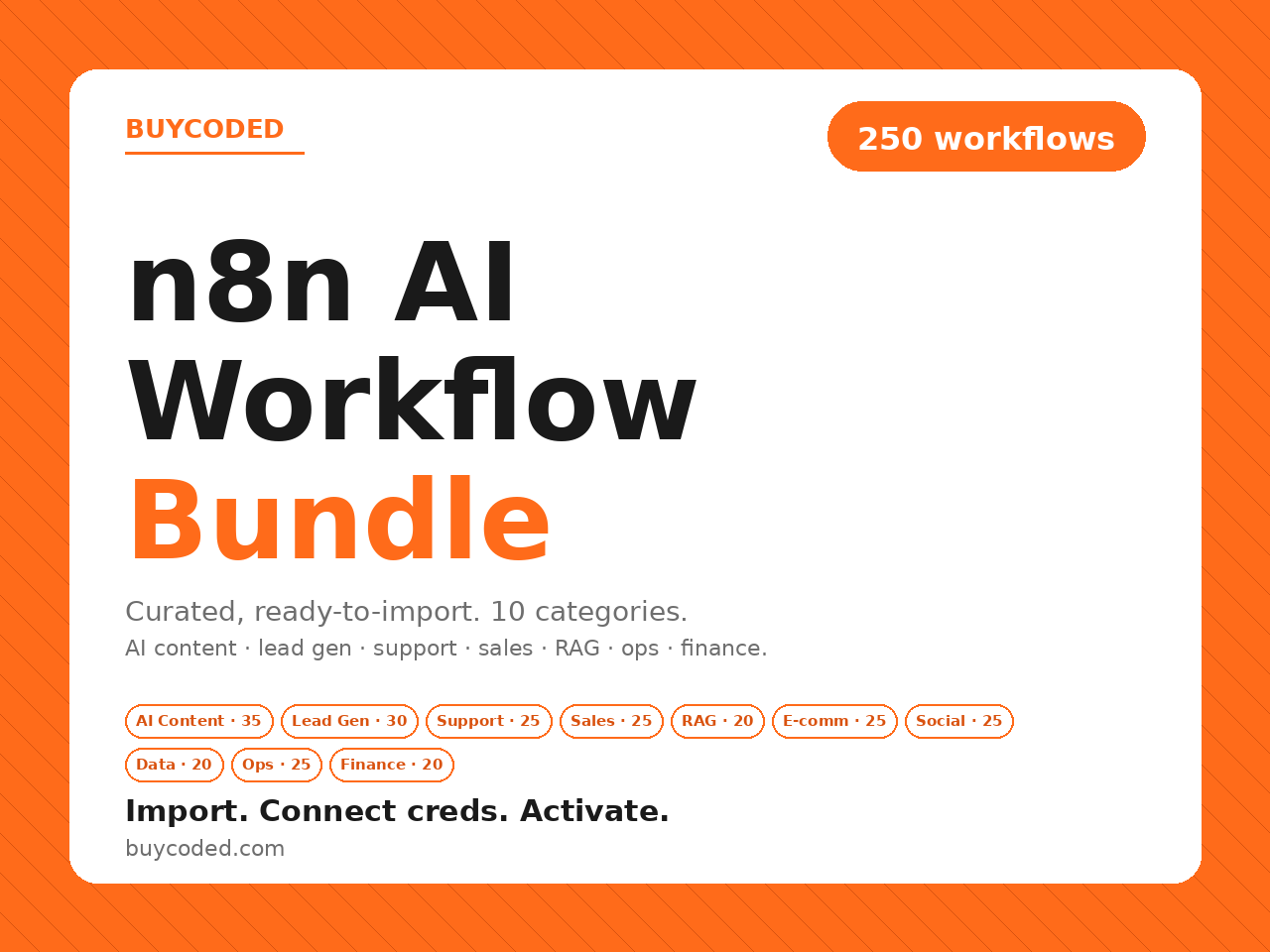
250 deliberately curated n8n workflows, organized across 10 categories. Every workflow is a valid, importable .json using real n8n node types — and every one comes with a setup guide covering its trigger, integrations, required credentials, and customization notes.
The 10 categories
- AI Content Engine (35) — blog drafts from your topic queue, social cross-posting, newsletter drafts, SEO meta generation, content repurposing, trend-driven briefs.
- Lead Generation & Enrichment (30) — form-to-CRM with Clearbit/Apollo enrichment, website visitor reveal, LinkedIn lead capture, AI lead scoring, source routing.
- Customer Support (25) — ticket triage from Gmail/Zendesk/Freshdesk/Intercom/Help Scout, AI-drafted replies grounded in your KB, escalation, FAQ bots, CSAT tracking.
- Sales & Outreach (25) — personalized cold email, multi-touch follow-up cadences, meeting scheduling, deal-stage automations, proposal generation.
- RAG & Knowledge (20) — doc ingestion from Notion/Drive/Confluence/Slack, vector store sync (Pinecone, Qdrant, Weaviate, pgvector, Chroma), Q&A bots with citations.
- E-commerce (25) — order sync for Shopify/Woo/Stripe/BigCommerce/Magento, inventory alerts, abandoned cart recovery, post-purchase reviews, customer journeys.
- Social Media (25) — scheduling from Sheets, AI cross-posting, brand mention monitoring with sentiment, AI reply drafts (with human approval), weekly analytics roundups.
- Data & Reporting (20) — scheduled KPI reports from GA4/Mixpanel/Stripe/HubSpot/Plausible, dashboard sync, webhook-to-warehouse ETL, threshold alerts.
- Productivity & Ops (25) — Slack/Discord/Telegram notifications, calendar sync, task sync between Linear/Jira/Asana/Todoist/ClickUp.
- Finance & Admin (20) — Stripe-to-QuickBooks/Xero invoicing, Stripe event handling, expense logging from email/receipts, reconciliation.
Why curation matters here
Every workflow ships with metadata in two places: a per-category README.md with setup steps, and a flat workflows-index.csv + workflows-index.json you can filter by category, integrations used, trigger type, or credentials needed. You can actually find the right one.
Plus a real setup guide
The included buycoded-n8n-guide.pdf is a designed, multi-section primer: how n8n imports work (and the 3 things people miss), connecting credentials per service, customizing the AI nodes (model choice, prompt tuning, JSON output), the category index, and the troubleshooting list you'd otherwise hunt for across forums.
Who it's for
- Builders running n8n (self-hosted or cloud) who want production-grade starting points instead of empty templates.
- Agencies delivering automation work who'd rather customize a proven shape than re-derive it client by client.
- Teams shipping AI features who need the boring connective tissue (triggers, credentials, validation) handled.
What this is NOT
Not a 5,000-workflow dump. Not a pile of empty templates with TODOs inside. Not tied to one vendor — Slack, Discord, Telegram, Notion, HubSpot, Salesforce, Pipedrive, Shopify, Woo, Stripe, Linear, Jira and more are all covered. Workflows are intentionally clean exports with real, current n8n node types and empty credential slots you fill in.
What's included
- 250 curated, importable n8n workflows organized in 10 categories
- Valid, ready-to-import JSON files using real, current n8n node types
- Per-category README with each workflow's trigger, integrations, credentials, and setup steps
- Searchable flat index — workflows-index.csv + workflows-index.json (filter by category / integration / trigger)
- AI content (35), Lead gen (30), Support (25), Sales (25), RAG (20), E-commerce (25), Social (25), Data (20), Ops (25), Finance (20)
- Designed setup guide PDF — import primer, credentials, AI-node tuning, troubleshooting
- Commercial license — unlimited personal + client / agency use